

ORATAP guides
How to Create an Online Ordering Website
Plan your menu, pickup instructions, checkout and launch checks. A practical website checklist for independent food businesses taking direct orders.
By ORATAP · Written for independent US food businesses
Gather the information customers need
Start with your business name, address, phone, service hours and a menu with current prices. Decide whether you will offer pickup, delivery or both. A customer should be able to answer where an order goes, when it will be ready and how to get help without calling during a busy service.
Use clear item names and short descriptions. Collect allergen information from your actual recipes and suppliers; do not infer it from an item name or an AI-generated description. Keep the source menu beside you during review.
Build the menu around real choices
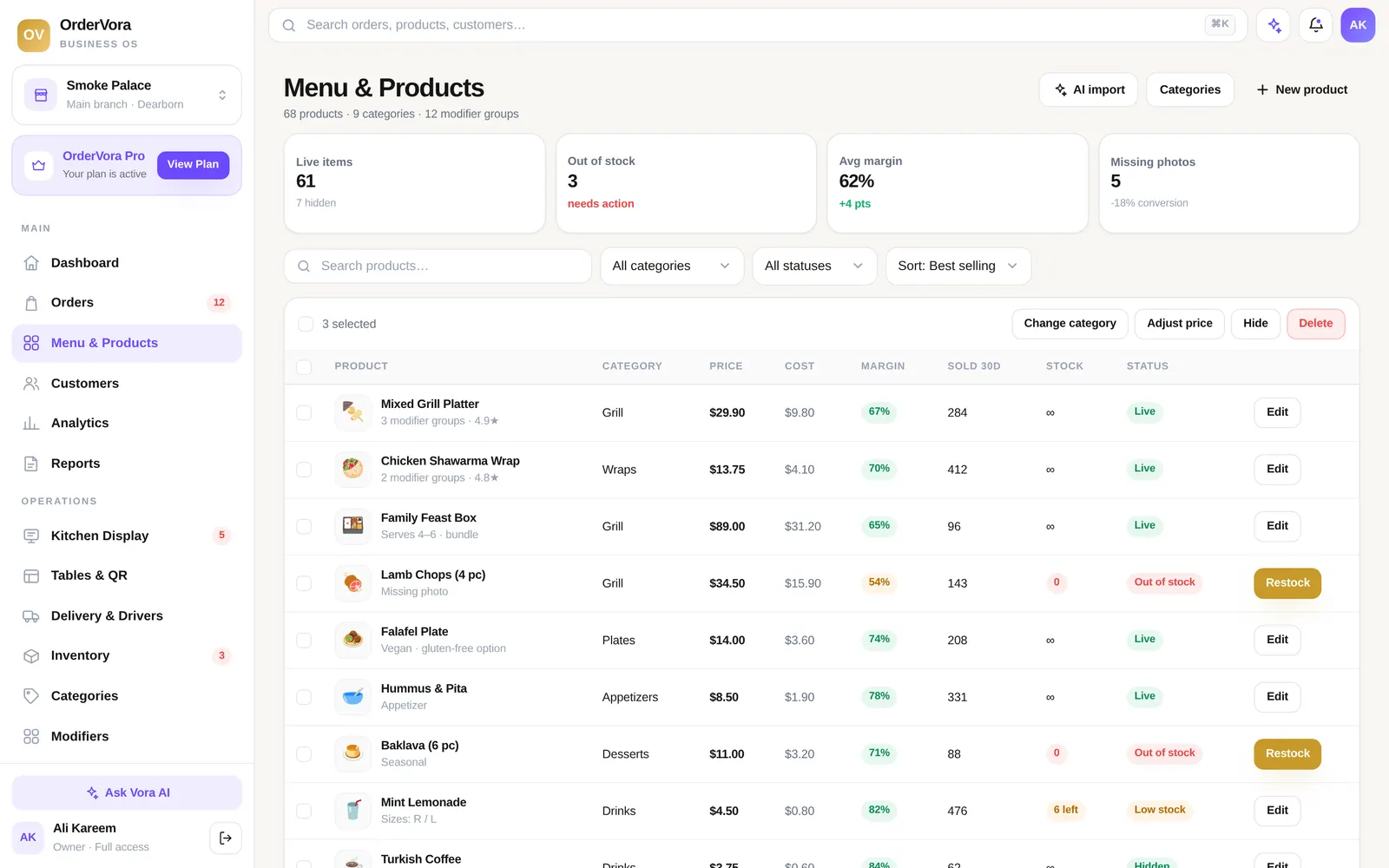
Organize categories in the order customers naturally browse. Put required choices before extras, explain portion sizes and remove items you cannot fulfill reliably. If a choice changes price, make that visible before checkout. Large menus often work better with a smaller launch selection than with every possible item at once.
ORATAP includes menu tools and AI in both plans. Any imported or generated content still needs your review. Confirm item names, prices, options and images before publishing. Importing a file does not establish that every source detail has been interpreted correctly.
Check the whole customer journey
Test the website on a phone with a narrow screen. Open categories, add a customized item, edit the basket and read the final total. Check contact details, pickup directions and the confirmation message. Do not treat a good-looking homepage as proof that checkout works.
- Confirm current prices, hours and fulfillment instructions.
- Review every required option and any added cost.
- Check fee and tax disclosure before placing an authorized test order.
- Confirm staff can receive and acknowledge the order.
- Check how customers ask for help, cancel or request a refund.
Connect the website to places customers already visit
Use a clear ordering link on your own homepage, social profiles and business profile where the platform supports it. Use the canonical website address rather than a preview or staff dashboard link. Keep the same business details across these locations.
Do not move a custom domain or change payment settings as an incidental launch task. Those actions need the account owner's approval and an explicit cutover plan. You can prepare menu content and check links before changing any live infrastructure.
Launch in a controlled window
Choose a period when staff can monitor the first orders. Keep the previous contact route available while you check the new experience. Review abandoned baskets and support questions before spending on promotion. A careful launch gives you useful evidence without making unsupported claims about conversion or revenue.
Questions owners ask
What should I prepare before building my ordering menu?
Gather current item names, prices, portions, choices, hours and fulfillment instructions. Verify ingredient and allergen information against your actual products.
Can I publish an imported menu without checking it?
Review the source and every imported item, price and required choice first. Generated content is not a substitute for merchant approval.
What is the most useful launch test?
Follow a complete customer journey on a phone: choose an item, edit the basket, review fees, place an authorized test order and confirm the staff handoff.
Sources and next steps
- ORATAP ordering platform — checked 2026-11-17
- ORATAP AI and generated content policy — checked 2026-11-17
Published terms can change. Check the source and your agreement before making a purchase.